
Full-featured access
Use the wider Survey Booker toolset appropriate to your role and responsibilities.

Give office teams comprehensive browser access, surveyors and referrers focused mobile apps, and customers a responsive portal that works across their devices.
Each experience is designed around what that person needs to do, while keeping the wider journey connected in Survey Booker.
Survey Booker provides different routes for the people involved in the surveying journey. Business teams can access the full cloud-based platform, field surveyors and referral partners have focused mobile apps, and customers use a secure, mobile-friendly browser portal with no app download required.
Open Survey Booker through a supported web browser to manage the wider operation, from leads and customers to jobs, teams, appointments, communication, reporting and settings.
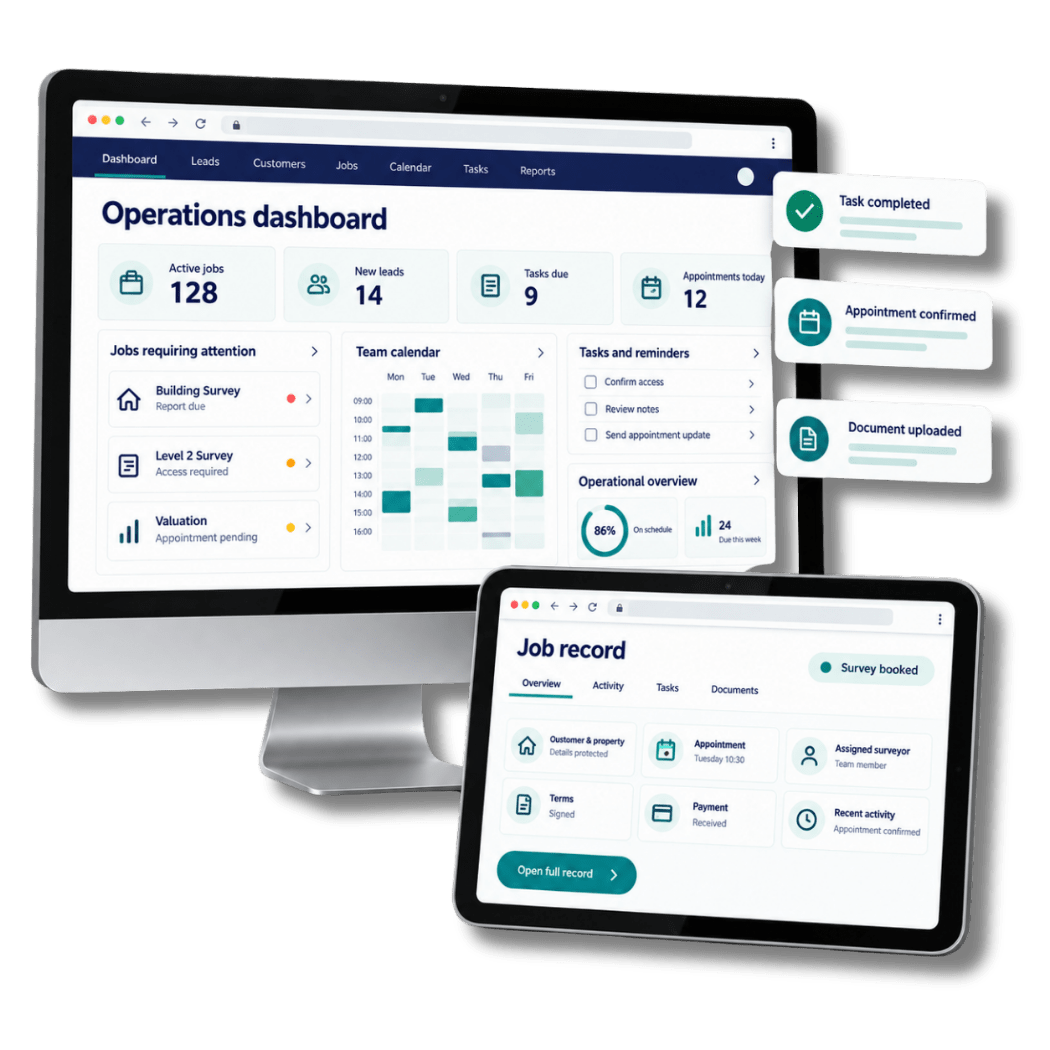
The web application provides the broadest Survey Booker experience for sales, administration, management and surveying teams. Responsive access supports different screen sizes while retaining the tools appropriate to the user.
Use the wider Survey Booker toolset appropriate to your role and responsibilities.
Move between leads, customers, jobs and activity without relying on separate systems.
Sign in through a supported browser when working from another appropriate location or device.
Support secure sign-in and access shaped around the individual user and business setup.
The Surveyor Mobile App provides focused access to relevant appointments and job information, helping field-based professionals stay informed without recreating the entire desktop experience on a smaller screen.
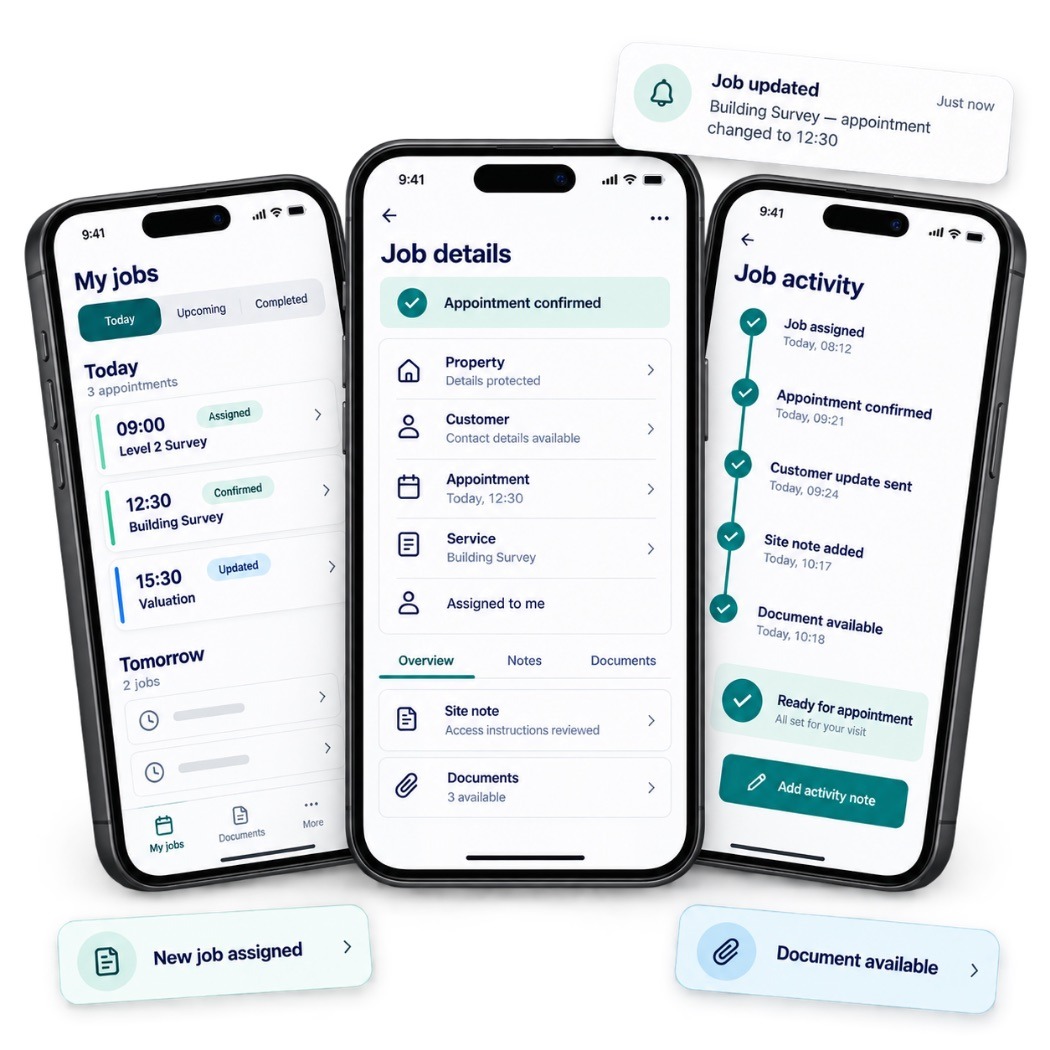
Surveyors can review assigned work and available job information from their mobile device, helping them prepare, stay aware of changes and keep relevant progress connected with the wider team.
Focused navigation makes essential job information easier to reach from a mobile device.
Help surveyors stay connected with assigned work while moving through the working day.
Mobile access supports the job rather than creating another disconnected place to manage it.
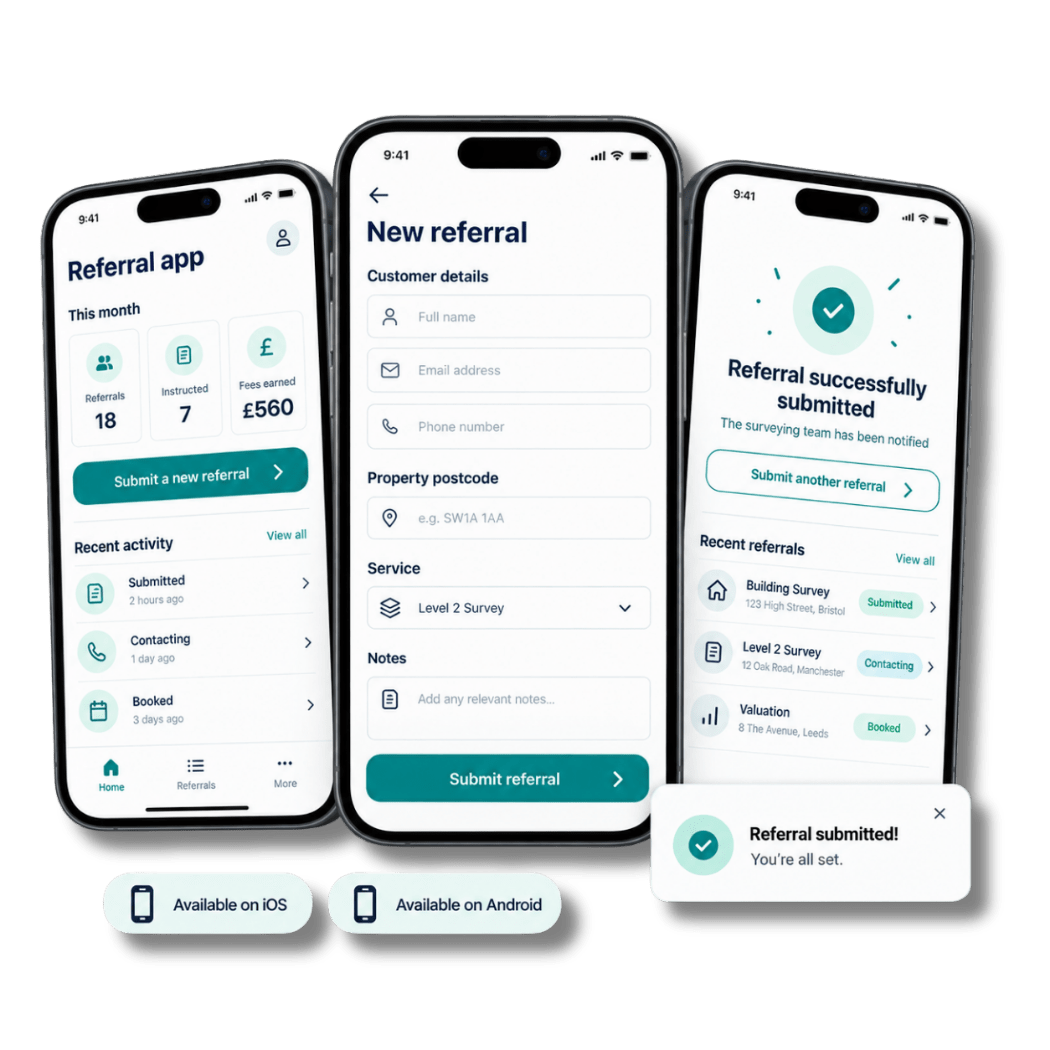
Available on iOS and Android, the Referrer Mobile App gives approved referral partners a convenient route to submit opportunities, follow the progress made available to them and manage relevant updates.
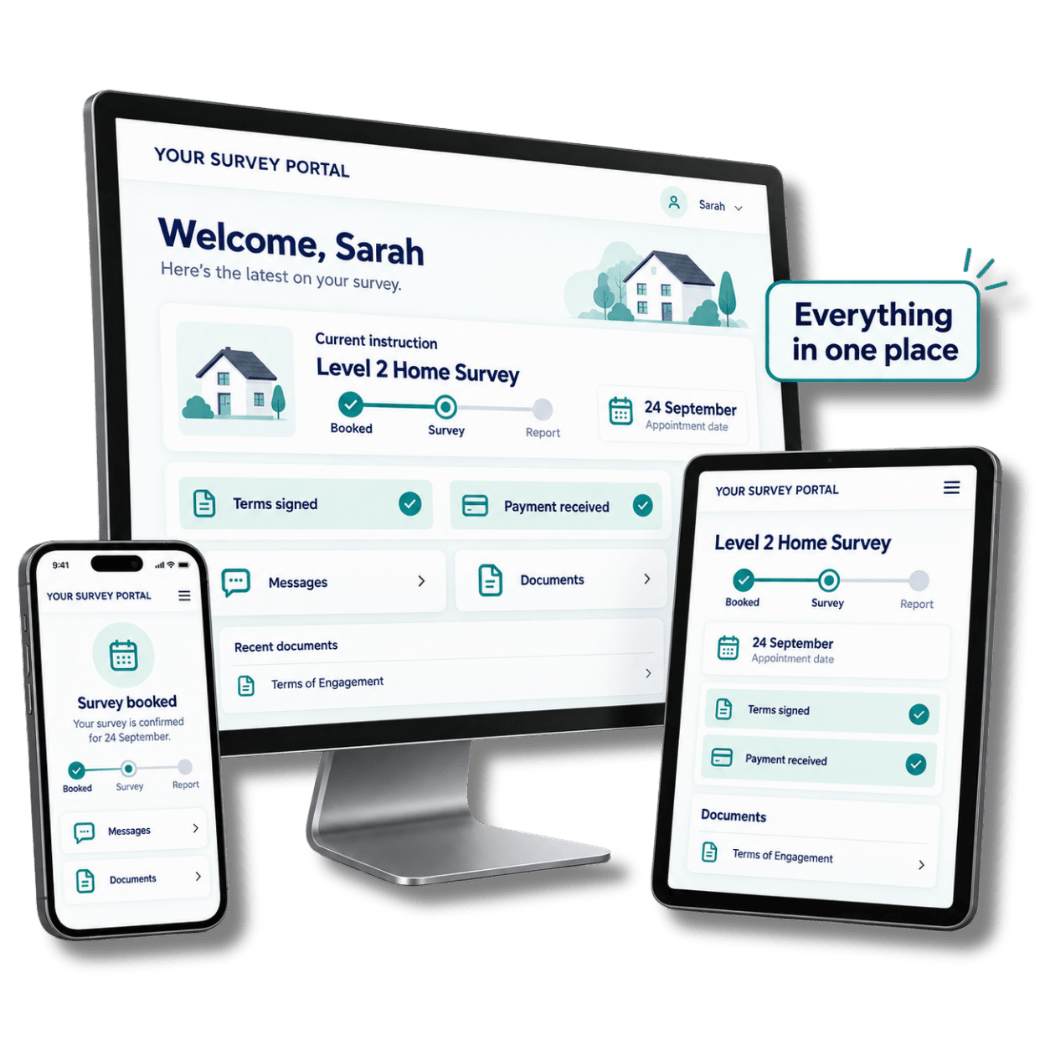
Customers access their secure portal through a web browser. The responsive experience adapts across desktop, tablet and mobile so they can use the available self-service tools on the device that suits them.
The Customer Portal is not a downloadable customer app. Customers follow their secure portal link and use the responsive web experience through their browser.
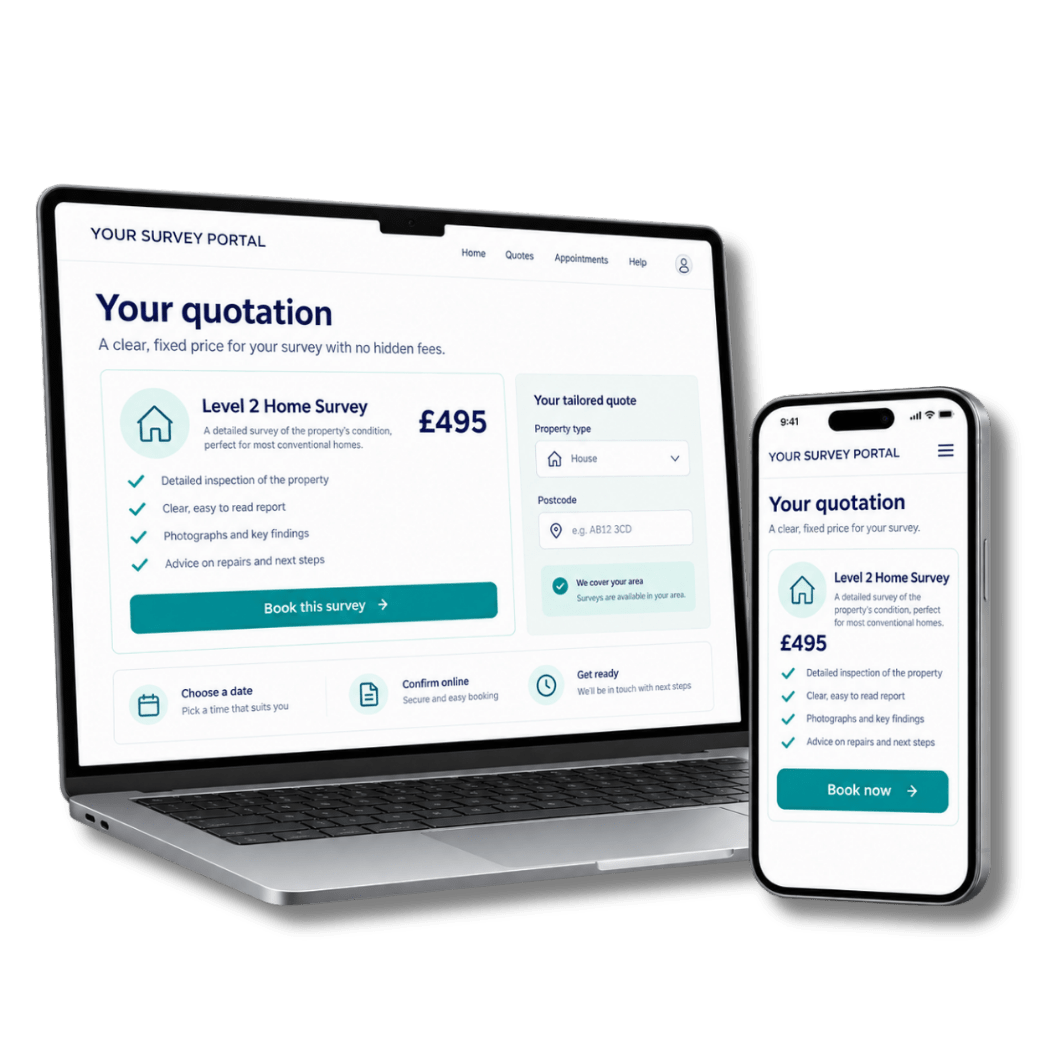
Depending on the facilities enabled by the surveying firm and the stage of the instruction, customers can access relevant updates, messages, documents and available actions through their secure portal.
Customers can review available quotation information and, where enabled, continue through the appropriate online booking journey. This gives them a convenient route forward while keeping the resulting activity connected to Survey Booker.
Customers can use their secure browser link without visiting an app store or installing software.
The responsive portal adapts to the available screen while maintaining a consistent customer journey.
The surveying firm determines which relevant information and actions are available at each stage.
Explore the Survey Booker features supporting each opportunity, instruction and customer from first enquiry through to completion.
Explore the connected workflows created for survey and valuation practices and project-led businesses.
Book a tailored demonstration to explore the full web application, Surveyor Mobile App, Referrer Mobile App and responsive Customer Portal.