
Quote access
Customers can revisit current quotations and their status through their account.

Give customers secure, branded access to their quotes, bookings, job updates, messages, documents and previous instructions from any suitable device.
Create a clearer customer journey while reducing routine enquiries and the manual administration surrounding every job.
Survey Booker gives every customer one familiar place to move from enquiry to instruction, follow their work and access important information, while your team remains available when a conversation genuinely needs a human response.
Give customers convenient access to their current quotes and a clear route to instruct, whether they are ready during office hours, in the evening or over the weekend.
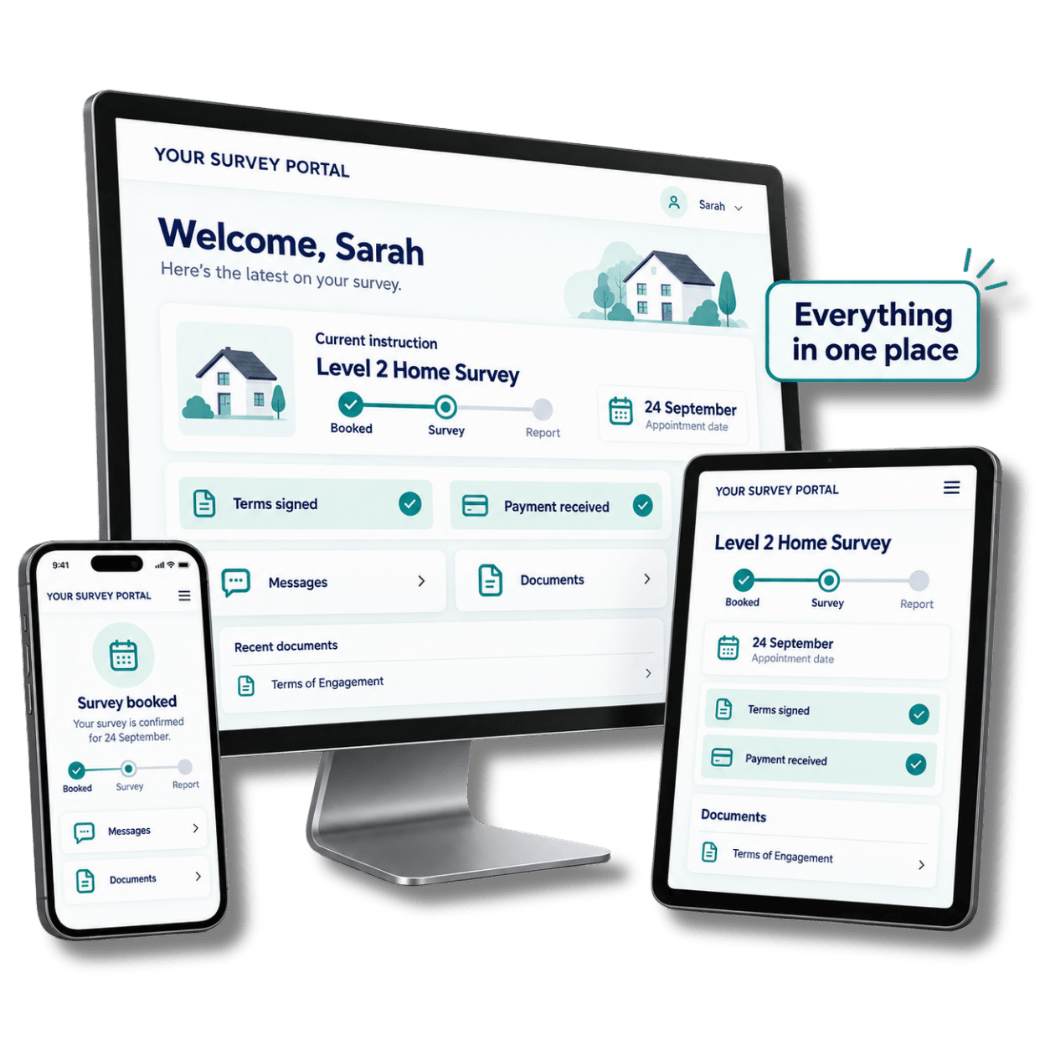
Customers can revisit quote details, understand the service offered and submit their booking request without waiting for your office to reopen. Your team can then follow up personally where needed.
Customers can revisit current quotations and their status through their account.
Allow ready customers to instruct at a time that is convenient for them.
Present relevant services and collect the information needed for each enquiry type.
Share service availability, coverage and lead-time information before booking.
Present quotes, live instructions, messages and available documents through a portal that can be shaped around your practice and accessed across desktop, tablet and mobile.
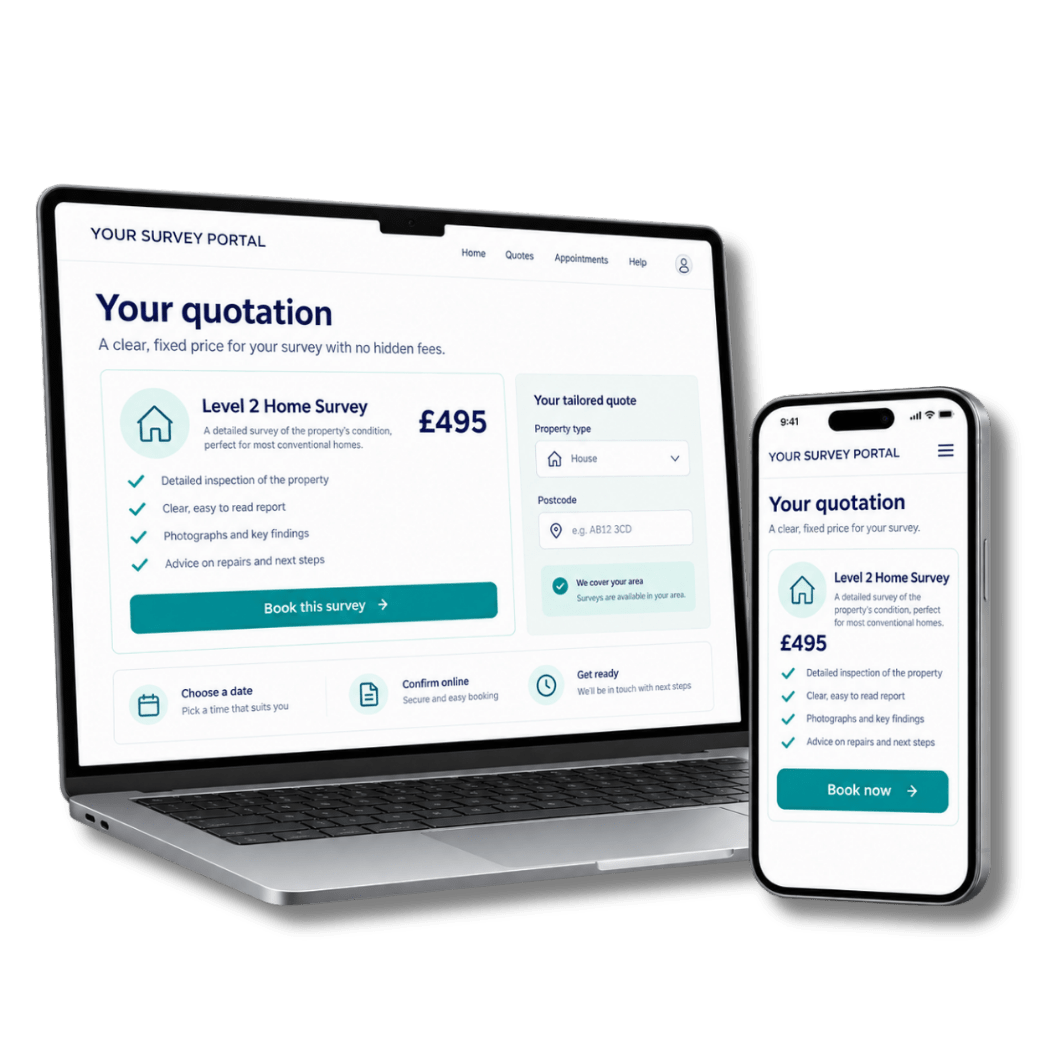
Customers can return to their account to view active work, previous instructions and information shared by your practice. The experience remains connected even when they use a different device.
Bring your identity into the customer experience with your logo, colours and visual preferences. Advanced options allow the portal to sit more naturally alongside your website and wider brand.
View quotes, follow current work and access information shared by your surveying practice.
View my dashboardGive customers a responsive experience whether they return on a computer, tablet or phone.
Help returning customers find previous instructions and available documents in the same account.
Make the customer portal part of your service from the outset, whichever Survey Booker plan you choose.
Give customers clearer visibility of progress and a convenient place to contact your team, while retaining the conversation with the quote or job it belongs to.
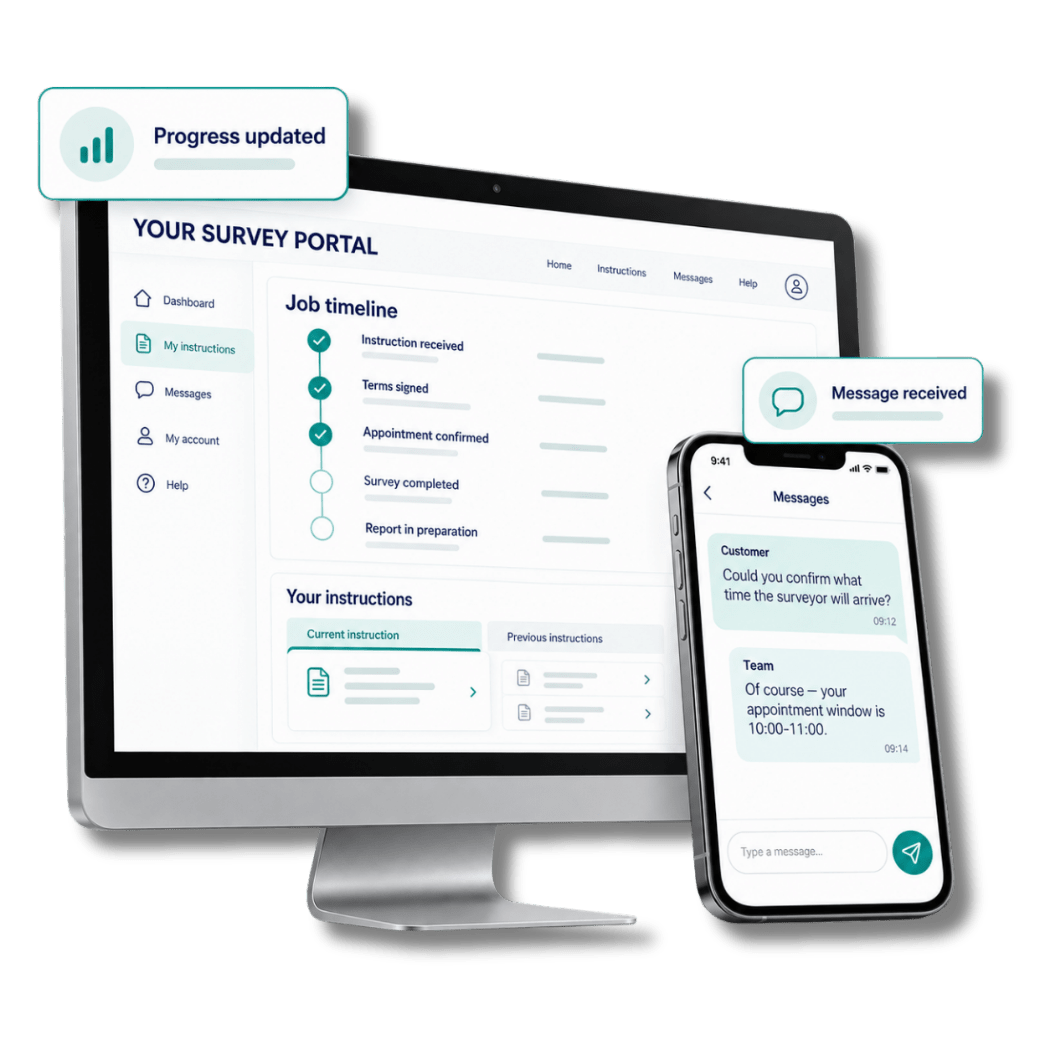
Customers can follow meaningful job updates, send a message about a quote or instruction and return to their history without searching through old emails.
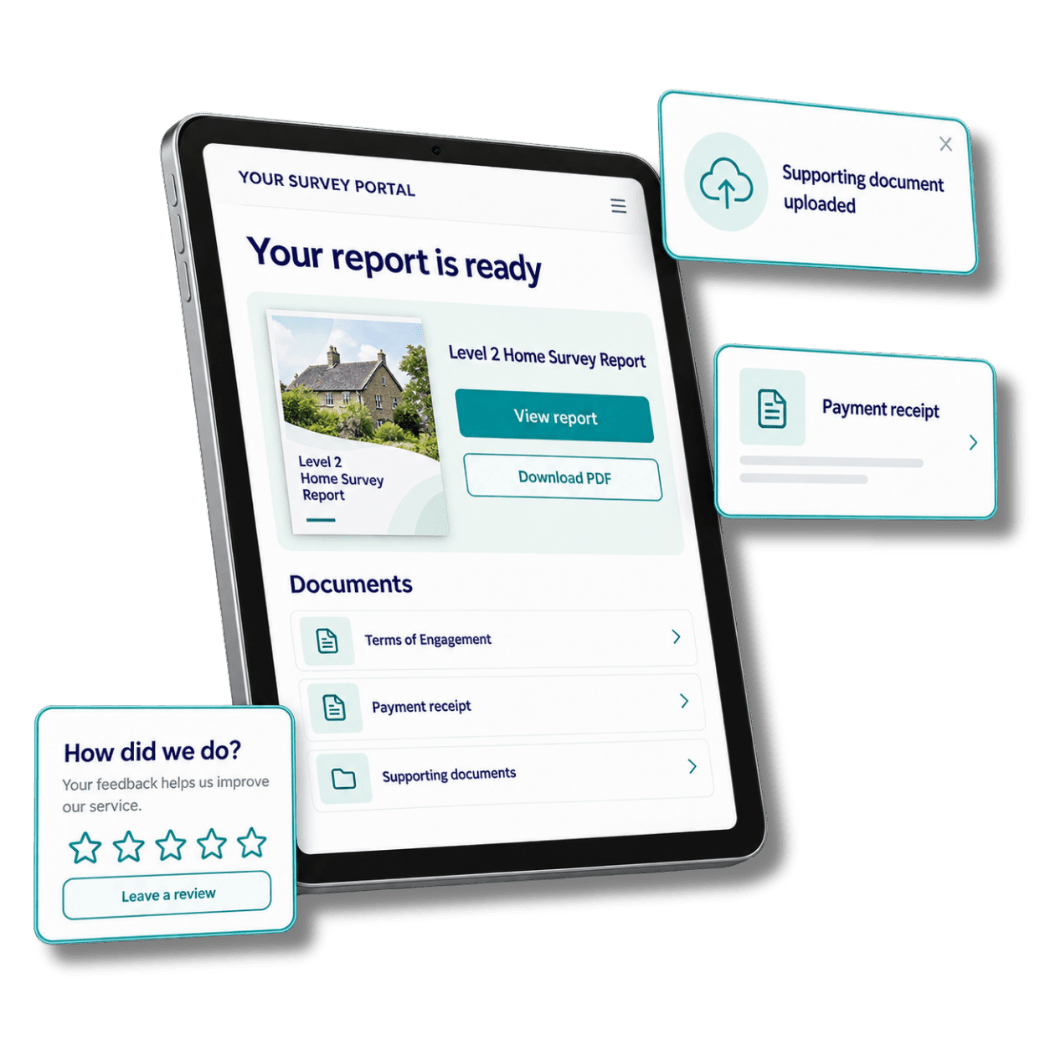
Share available documents through the customer’s account, accept supporting uploads and give completed customers a clear route to leave genuine feedback.
Explore the specialist tools that sit behind each customer interaction and help modern surveying practices work with greater clarity.
See how a branded customer portal supports survey and valuation work and longer-running projects.
Book a tailored demonstration and explore how Survey Booker can create a clearer, better-connected experience around the services your practice provides.