
Correspondence
Keep emails, responses and SMS messages connected to the relevant job.

Bring terms, communications, documents, payments, notes and activity together in Survey Booker, giving your team one dependable record throughout the instruction.
Build important checks into everyday workflows, reduce the risk of missed steps and retrieve the information you need for reviews, audits and customer queries.
Survey Booker connects information to the instruction it belongs to. That means fewer disconnected inboxes and files, clearer handovers and a job history your team can return to whenever questions arise.
Give authorised team members a clear view of what has happened, who completed each recorded action and what may still be outstanding—without piecing the history together from different systems.
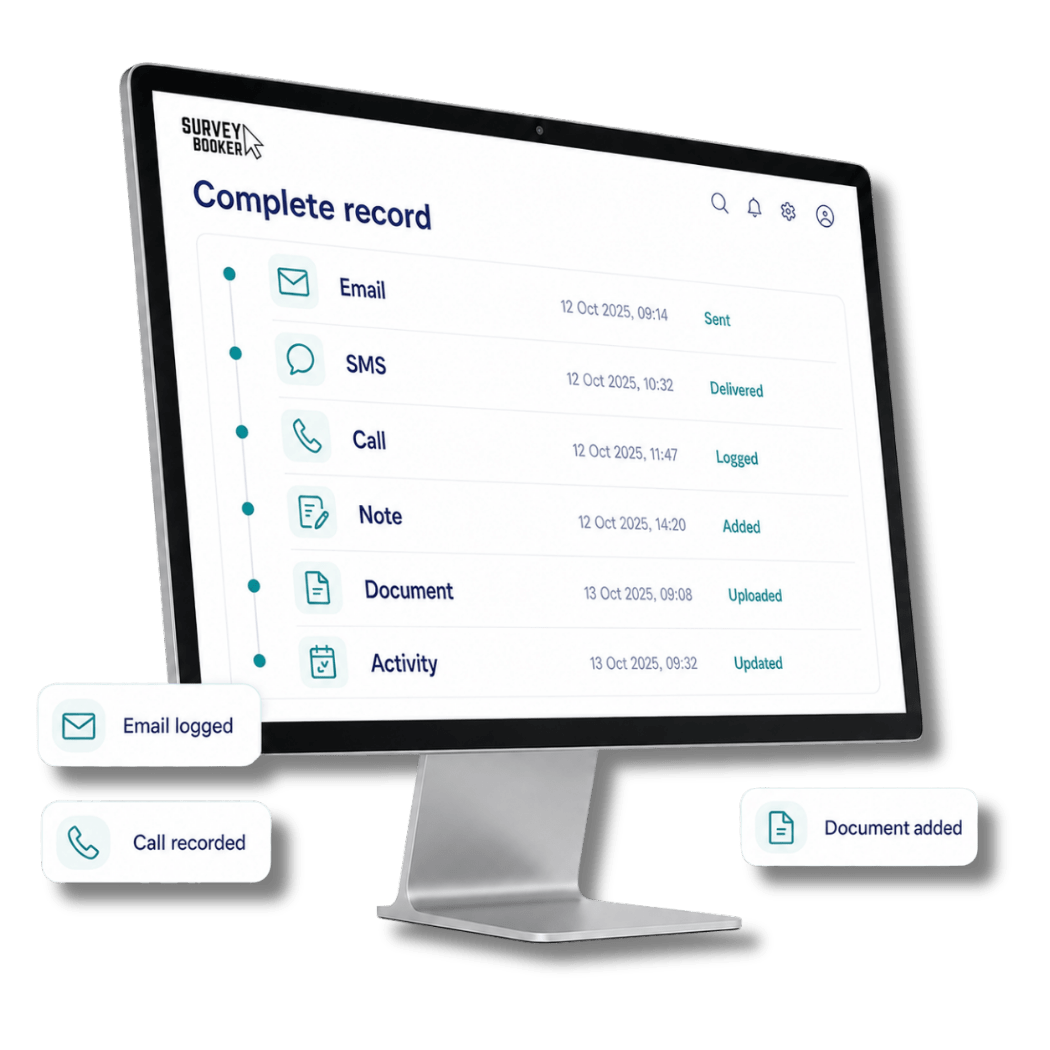
Customer correspondence, internal notes, call activity, documents and recorded changes remain connected to the customer and instruction rather than an individual inbox or separate folder.
Keep emails, responses and SMS messages connected to the relevant job.
Capture requests, site information, internal updates and customer contact.
Retain reports and supporting files with the instruction they relate to.
Review recorded updates and identify the user responsible for each action.
Prepare terms using information already held against the job, send them digitally and retain the completed document in the correct record.
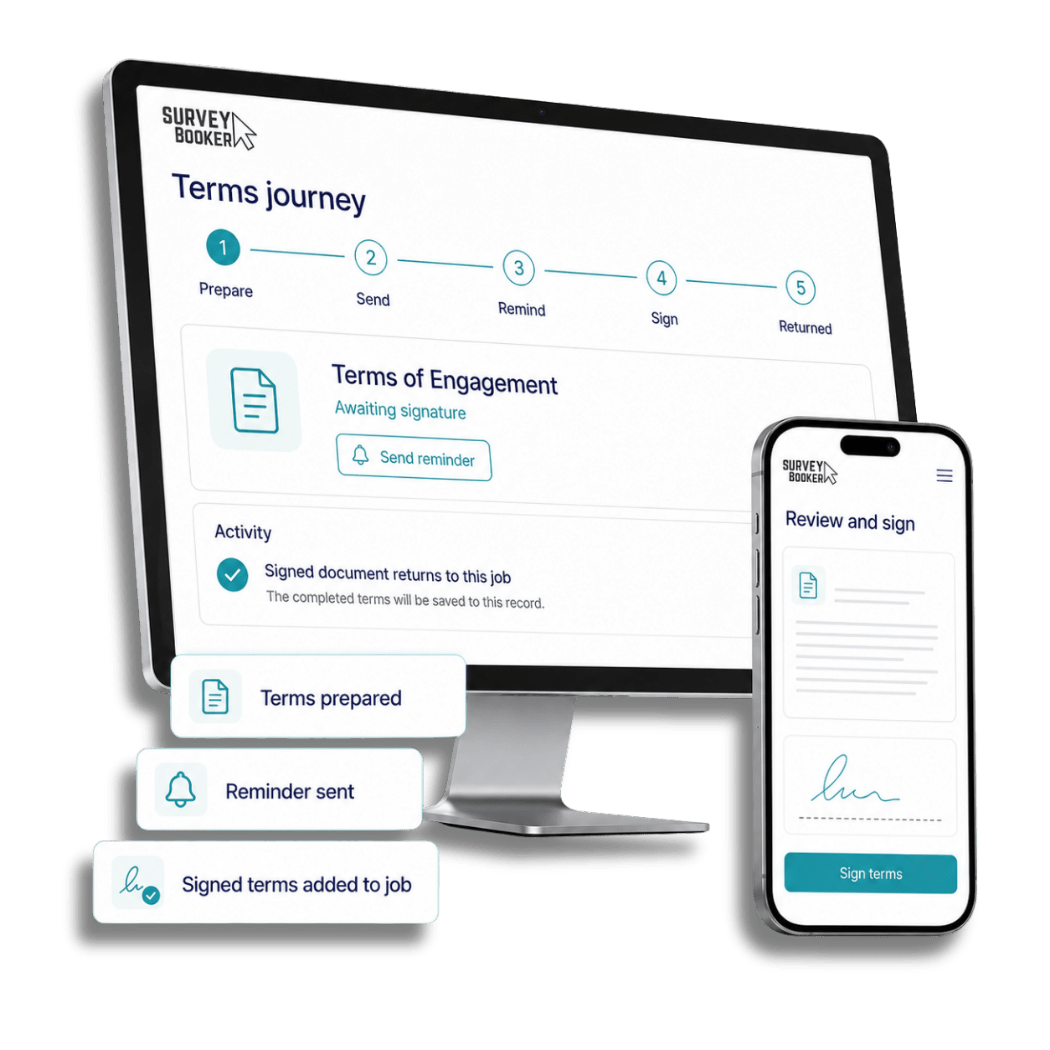
Use customer, property and instruction information already held in Survey Booker. Track progress, support follow-up and return the signed document to the wider job history.
Explore e-signature integrations →Terms can be prepared and issued at the appropriate point in your workflow. Customers can sign electronically from a suitable device, while progress and completed documents remain visible to your team.
The completed document has been returned to the associated job record.
View signed documentReuse relevant details already held against the customer, property and instruction.
Make unsigned terms easier to identify and follow up at the appropriate stage.
Retain completed terms alongside the wider documentation and history of the job.
Use practical controls to make required information visible and help prevent a report being released before agreed requirements are complete.
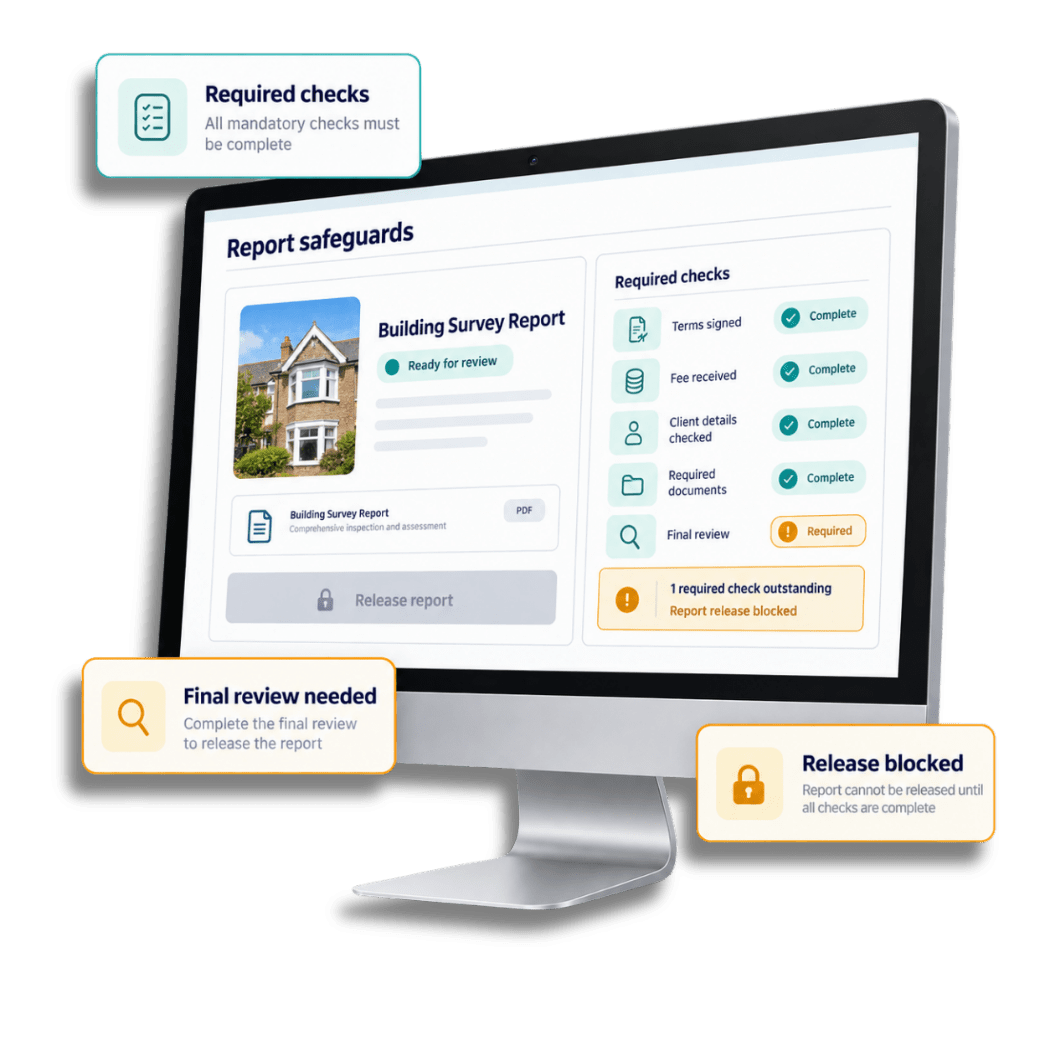
Configure job fields around the information your practice needs and control report access where selected requirements—such as signed terms or payment—remain outstanding.
Survey Booker provides tools and controls that can form part of your firm’s wider approach to information security, data protection and accountable working.
A connected record makes it easier to establish what happened, when it happened and who completed each recorded action—without relying on one person’s inbox or memory.
Survey Booker supports record-keeping and process management, but software alone does not make a business compliant. Each firm remains responsible for its own legal, regulatory and professional obligations.
Explore the specialist tools that sit around every customer conversation and help modern surveying practices work with greater clarity.
See how connected records and safeguards support survey and valuation work and longer-running projects.
Book a tailored demonstration and explore how Survey Booker can connect records, terms, safeguards and team activity around the processes behind your practice.